Phone habits
How to reduce screen time without losing the useful parts of your phone
On this page
Your phone reports five hours of screen time. Some was a family video call, some was navigation, and some was a feed you did not mean to spend your evening reading. Cutting all three equally would make the number smaller, but would it solve the problem you care about?
Start with the part of phone use you want to change, rather than a target for your whole screen-time total. Losing an hour to videos after intending to go to bed is a different problem from spending an hour on a video call with family.
Choose a control that fits the problem. Limiting access to an app, silencing its notifications and blocking the phone's internet connection do different things. Keep essential contact and useful functions available while you test the change.
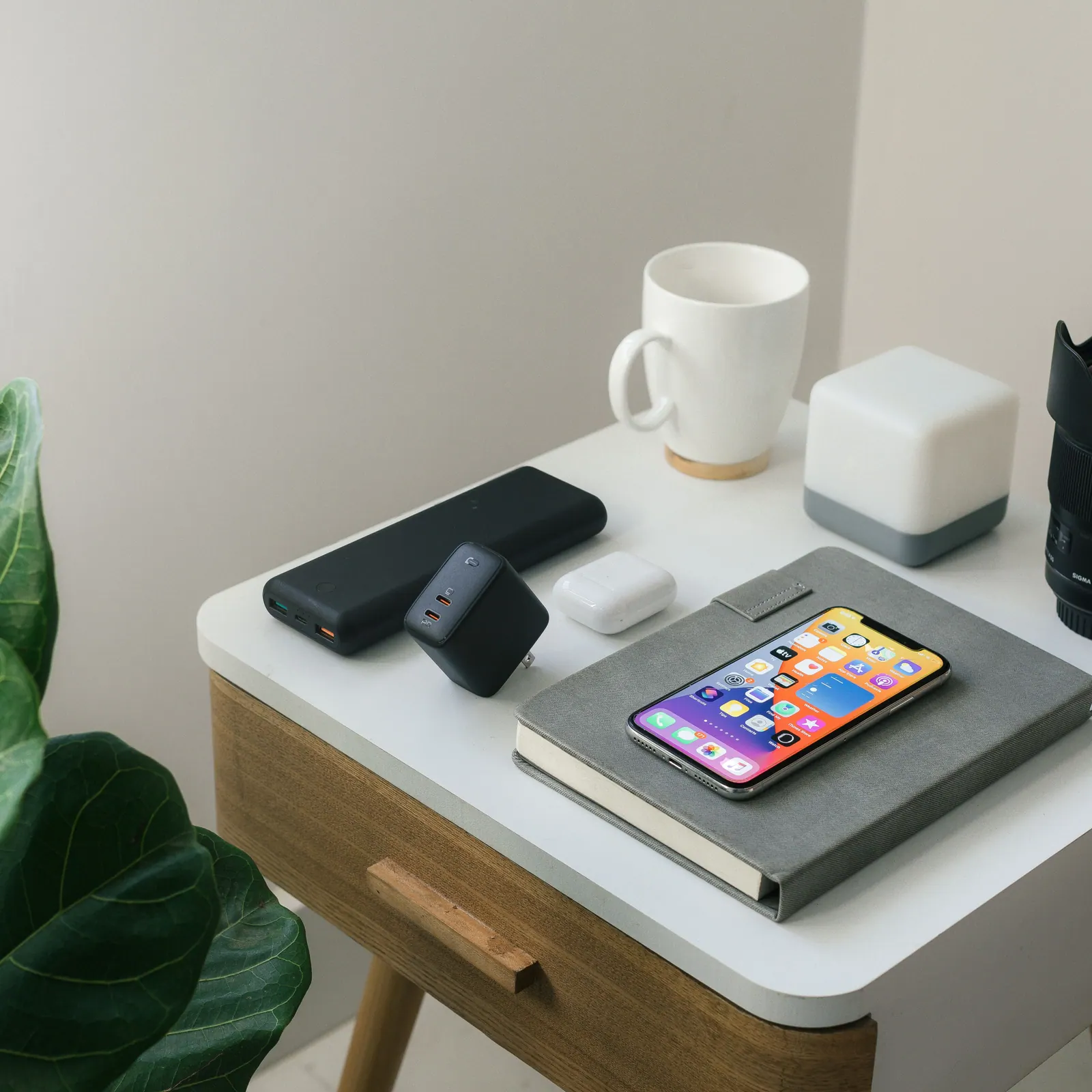
Which part of your phone use do you want back?
Open your usage report and look at individual apps. A navigation app used on a long journey may be doing exactly what you need. The more useful clue might be a social app opened repeatedly during a task, even if its total is smaller.
On supported Android phones, Google's Digital Wellbeing dashboard reports app screen time, openings and notifications. Those are different measurements: frequent alerts suggest one possible trigger, while repeated openings without alerts suggest another.
Describe one recurring episode. For example: 'I open the messaging app to check the school group, follow a link into a feed and lose the rest of my lunch break.' The essential message and the unwanted browsing are connected, so blocking every communication app would solve the wrong problem.
Write down what must remain available during the period you want to protect. That might include calls from a dependent relative, an accessibility tool, work authentication, travel tickets or medication reminders. Check whether the useful function sits inside the same app as the distraction. A whole-app restriction cannot distinguish between two features within that app.
If alerts pull you away from something else, notification controls are the natural place to start. If you deliberately open the app after silencing it, consider an access limit or a scheduled pause. If the problem happens only after bedtime, an all-day restriction may be unnecessary.
iPhone: limit access or silence notifications?
Apple's current Screen Time guide describes iOS 27 and later. In Settings, open Screen Time, then Screen Time Schedule to choose days and time windows. Time Allowances manages category budgets. For access that should remain available, open Screen Time, then Always Allowed, and use Add People or Add Apps. These choices remain permitted regardless of the schedules and allowances. Use the guide's version selector if your phone has older software.
Notification filtering is a separate setting. Apple's Do Not Disturb instructions use Settings, Focus, Do Not Disturb, then Allow Notifications to select people and apps. Set a Schedule determines when that Focus operates.
The distinction matters: allowing an app through a Screen Time limit is not the same as allowing its notifications through Focus. For an essential contact, check both the access restriction and the notification arrangement. Do not assume that changing one has configured the other.
Before relying on the combination, have the intended contact call or message while the settings are active. Check the actual device you will carry, including its sound settings. A successful test of one route does not tell you that a different app or contact will behave identically.
Reduce distraction while keeping useful access
- 1
Find the troublesome use
Choose a specific app, cue or part of the day.
- 2
Change one thing
Adjust notifications, placement or access.
- 3
Keep essential functions
Protect work, accessibility and important contact.
Android: pause an app or filter its notifications?
Google's Focus mode, under Settings and Digital Wellbeing, lets you choose apps to pause. While active, those apps cannot be used or send notifications. Set a schedule can automate the pause; Take a break temporarily lifts it. Leave necessary communication apps outside the selected list.
App timers are different. In Digital Wellbeing, open App timers and set a limit beside an app. Once its allowance is used, the app closes and its icon dims. The timer resets at midnight and can be deleted for earlier access. Some work or school accounts do not support timers.
For notification exceptions, Google's current Modes guidance uses Settings, Modes, your chosen mode, then Notification filters. People controls calls, messages and conversations; Apps controls app notifications. Alarms and other interruptions has separate options. Allow repeat callers permits a call when the same person calls twice within fifteen minutes. Some steps need Android 14 or later, and manufacturers vary.
An app pause and a notification filter solve different problems. Review the People options shown on your own phone rather than assuming another model's menu is identical. As with an iPhone, test necessary contact and reminders under the settings you intend to use. The existence of an exception menu is not a guarantee that you have selected the right exception.
Try the change during an ordinary week
Suppose the school-group example describes your problem. You could leave messaging available, silence optional feed notifications and schedule a pause for the separate social app during lunch. If the feed and school messages are inseparable within one app, that arrangement will not work as written; consider notification choices or a planned checking period instead of blocking the whole app.
Before the first full day, check the functions you listed. Can you receive the necessary call? Open the ticket? Complete authentication? Hear the reminder? If something fails, correct that specific restriction. Do not discover the problem only when you need the function urgently.
Agree expectations with anyone who relies on reaching you. They need to know the actual contact route you are keeping available, not simply that you are 'using your phone less'. Likewise, an employer's expectation of immediate replies cannot be solved entirely through personal willpower or a silent phone.
At the end of the week, compare the result with your original purpose. Was lunch less consumed by the feed? Were important messages still accessible? Did you repeatedly override the pause because the schedule was unsuitable, or because it included something necessary?
Keep a short note of the obstacle rather than making the restriction harsher automatically. Our habit-building guide explains how a specific cue and a realistic action can make a routine easier to repeat.
You may encounter advice to remove every enjoyable activity as part of a dopamine detox. Our dopamine-detox guide examines the biology behind that claim. A useful change in phone behaviour does not require a theory about resetting brain chemicals.
If sleep remains difficult, consider the problem beyond the device. NHS insomnia guidance advises seeing a GP if changes to sleep habits have not helped, difficulties have lasted for months or daily life is affected enough to make coping difficult. Bring the pattern you have noticed; a lower screen-time total does not explain persistent symptoms by itself.
How much difference did phone restrictions make in trials?
A 2022 controlled study offered a choice of phone and environmental changes. Options included turning off nonessential alerts, keeping the phone out of sight or beyond reach at bedtime, greyscale, moving social and email apps into folders, using a computer for suitable tasks and telling contacts that replies might be slower.
Daily screen time fell by about 57 minutes with the package, versus 11 minutes with monitoring alone: a descriptive difference of 46 minutes. Problematic-use scores also improved more, but depressive symptoms did not. The analysis included seventy people aged eighteen to thirty-three and excluded four who followed fewer than five strategies, alongside other exclusions. Starting screen time differed between groups.
Because people selected several changes together, the trial cannot tell you that greyscale alone saves forty-six minutes. It does supply a concrete menu to consider. Moving an app into a folder addresses automatic opening; disabling optional alerts addresses interruption. Keep needed functions when selecting from the menu, rather than copying every restriction.
A 2025 mobile-internet trial tested a much larger restriction: two weeks without smartphone internet, while calls, texts and internet on other devices remained available. Of 467 iPhone participants, 266 installed the blocker and 119 kept it active for at least ten of fourteen days.
Among 92 people in the immediate-block group with all three required screen-time screenshots, average use fell from 314 to 161 minutes a day, then rose to 265 two weeks after blocking ended. Those figures describe that complete-data subset, not all 467 participants.
The study also reported improved wellbeing and mental-health measures, and a small improvement on a five-minute computer attention task. It was unblinded, participation was self-selected and adherence was difficult. This is evidence about a substantial access restriction, rather than proof that muting one app produces the same results. It was not a trial comparing phone restrictions with treatment for a diagnosed condition.
A separate 2025 trial assigned 111 students either a limit of two hours a day for three weeks or usual use. In the reduction group, average daily use fell from about 285 to 129 minutes, compared with 268 to 264 in controls. Only 24 of the 58 assigned to reduction stayed within two hours throughout all three weeks.
The reduction group's depressive-symptom questionnaire score fell from 7.74 to 5.65, while the control average stayed around 7.7. The post-intervention difference was about 2.1 points on the PHQ-9 scale, not evidence of clinical remission. Other short-term questionnaire outcomes also favoured reduction.
Phone use rebounded to about 226 minutes in the first week after the intervention. From the second week afterwards, screen time no longer differed significantly between groups. The two-hour figure was a tested instruction in young students, not a boundary at which a phone becomes harmful. The study was unblinded and does not establish a universal adult limit.